See the business.
Support every coach.
Bring your team’s coaching and your gym’s business into one place. Shared programs, lead follow-up, and a weekly owner summary, with your brand on the client experience.
Free forever for up to 3 trainers, 30 days of the full Gym plan to start, no card. See the free gym plan
Your gym’s week, in one view
See active clients, waiting check-ins, new leads, upcoming sessions, and money collected. View the same gym summary on web and mobile, with revenue shown separately for each currency.
Take the next step with each lead
Capture inquiries on your public page, assign a trainer, record consultations, and work through due follow-ups. Trainers can edit and copy a reply draft, send it through their own channel, and log the contact.
Your brand, your subdomain
Your logo and colors on yourgym.airfit.ai and inside the shared AirFit app for iOS and Android. Every trainer's clients see the same gym identity.
Every trainer, one roof
Each trainer has a roster, calendar, client history, and onboarding checklist. Owners and admins get a gym-wide business view while private coaching details stay with the assigned trainer.
Shared programs and exercise blocks
Give your team house templates and reusable exercise blocks. Trainers can preview bulk edits, set allowed alternatives, and restore program versions while keeping completed workout logs.
Keep your business records portable
Owners and admins can download the gym's clients, leads, programs, sessions, and payment records as CSV files. Preview lead imports and review their results in import history.
Your branded public page
Your gym,
on your own subdomain.
yourgym.airfit.ai carries your logo, colors, photos, and hours. Visitors join there. Members sign in there. Every trainer's clients see the same brand in the app.
- Logo, brand color, cover photo, tagline, about text, hours, address with a map, phone, Instagram, and website.
- A join form on the page. Each request becomes a lead your team can assign to a trainer.
- Members sign in on your subdomain and see your brand in the portal and the mobile app.
- A share card with your photo when someone posts the link.
- Publish when you are ready. A hidden page stays out of search results.
Lead management
No enquiry
waits for the right person.
Join requests from your public page land on the gym's pipeline board. Assign each lead to a trainer, and the trainer works the follow-ups from their own inbox.
- New enquiries alert your staff by bell, push notification, and email.
- Assign a lead to a trainer. The trainer sees it in their inbox and follow-up worklist.
- Six stages, from New to Client, with consultation outcomes and contact history on each lead.
- Trainers edit and copy a reply draft, send it through their own channel, then log the contact.
- Import leads from a CSV file with a preview. The funnel on the Business page shows where leads go.
Business analytics
See the whole gym's business
in one place.
Owners and admins get the same charts as each trainer, over every trainer's rows under the gym. One definition of revenue, churn, utilization, and adherence, so the numbers agree.
- Recurring revenue and paying clients across the team, shown separately for each currency.
- Starts and cancellations by month, with churn as a rate you can act on.
- Utilization of your trainers' booked hours over the last 28 days.
- How the gym's clients train, as a distribution of adherence rather than one average.
- Where the gym's leads go, from join request to client. Export the records as CSV.
More context for your next coaching decision.
Our latest coaching tools bring the review, the evidence, and the next action together. Pilot access is separate from your plan; upgrading does not enable these features.
Review, edit, then approve
A daily inbox groups work by client. Save a check-in reply draft, inspect the records behind its summary, and approve your feedback. Snooze work you want to return to, on web or mobile.
Notice a change in training
See when logged training drops below a client's usual activity, with the dates and counts behind the signal. You decide whether to follow up or pause monitoring.
Keep failed payments in view
On the web, see unpaid client invoices, retry dates, and payment outcomes. Send a reminder when needed. Clients can open a payment page to pay or update their card.
Your whole floor,
in every member's pocket.
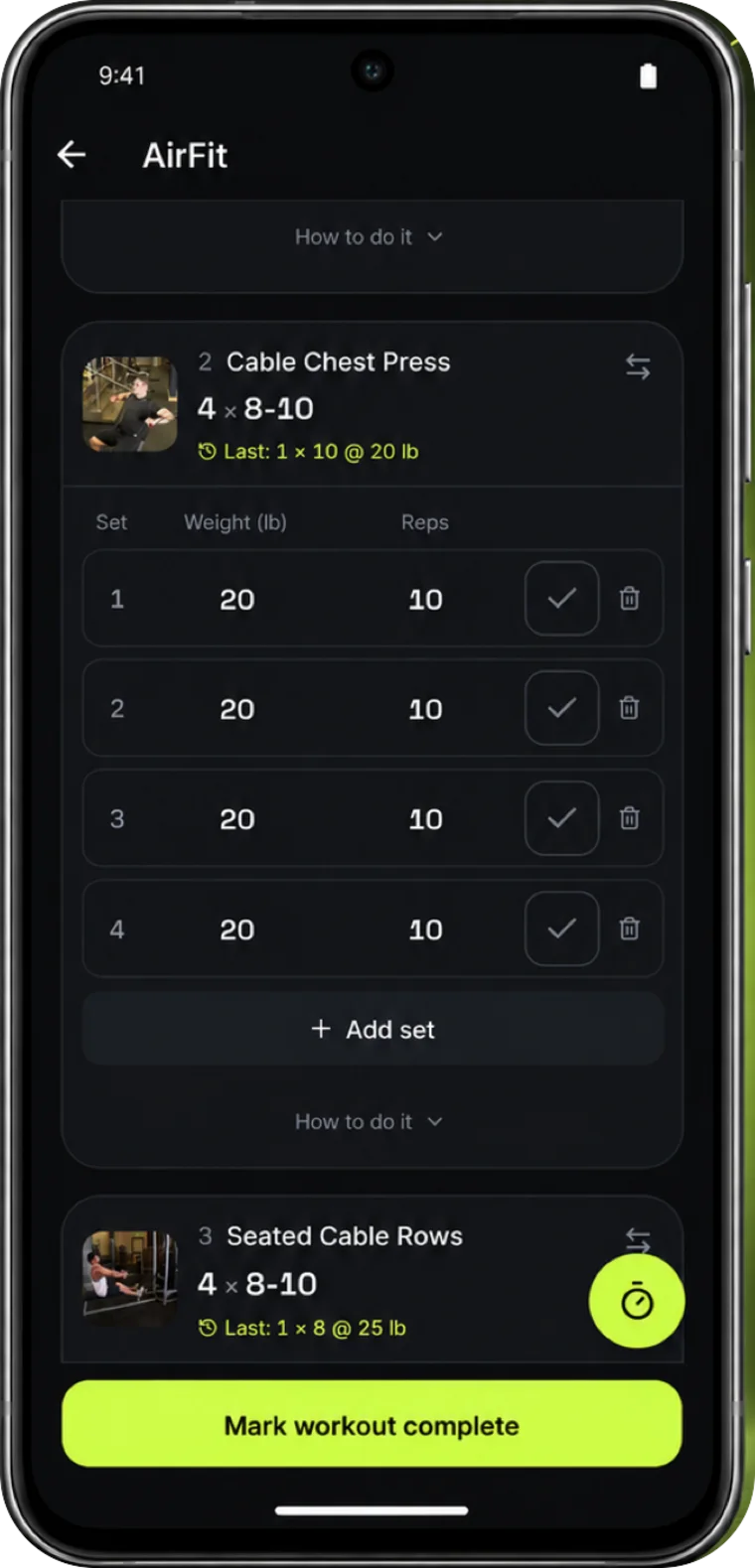
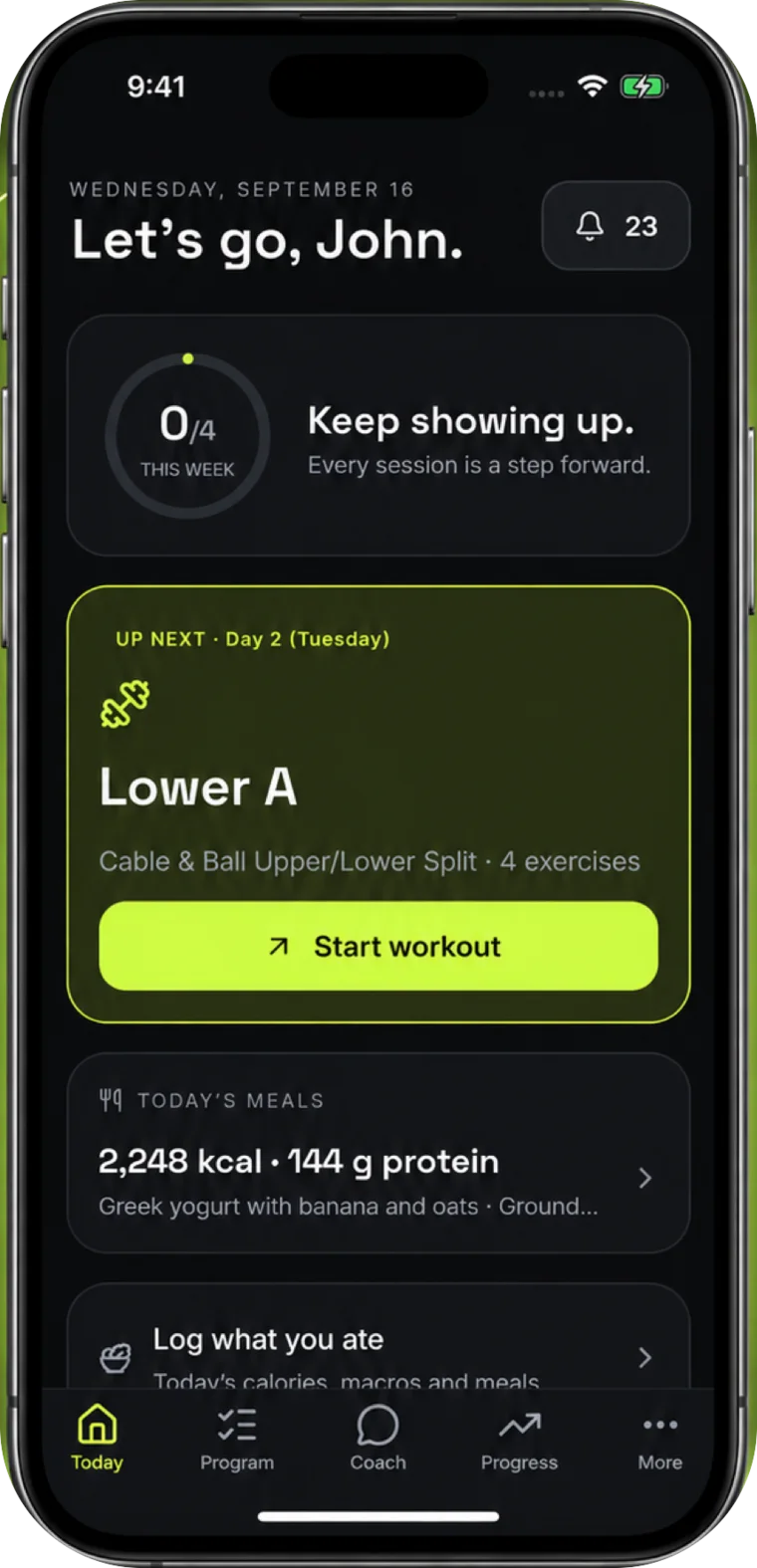
AirFit for iOS and Android shows your gym's colors, each client's program, booked sessions, meals and daily routine. Every trainer on your team delivers to the same app, with web access through your gym's subdomain.
- One app for every trainer's clients, on iPhone and Android
- Workout logs and check-ins flow back to the coach who owns them
- Owners can check the same weekly gym summary on web and mobile
Included on every gym plan. Members never pay for the app.
Built for gyms whose product is coaching
- Trainer seats included, add more as you hire
- The paid Gym plan gives every trainer Scale-level limits
- Clients belong to your gym's app, under your brand
- Shared exercise and template libraries across the team
- Lead assignments, consultation outcomes, and contact history
- Weekly owner summaries on web and mobile
- Client onboarding from invitation through the first workout
- CSV business exports included on every gym plan
Frequently asked questions
How is this different from gym membership software?
Membership platforms bill members and count door swipes; AirFit runs the training itself — programs, meal plans, session scheduling and client communication for every coach on your floor. Training gyms and studios whose product is coaching, not access, run on the training side. Many run both kinds of software side by side.
What do my trainers see, and what do I see?
Trainers get their clients, calendar, coaching history, and the gym's shared libraries. Owners and admins get rosters, leads, schedules, and a weekly business summary. The summary shows operational counts and authorized business records; it does not expose another trainer's private replies, check-in answers, or health details.
Can we see what the gym collected this week?
Yes. The weekly summary separates money collected, refunds, and net collections by currency. It also shows monthly recurring revenue separately from cash received. History views identify the dates covered by recorded data and label older estimates.
Are the latest coaching tools available to every gym?
Owner summaries, shared exercise blocks, program history, client onboarding, lead follow-up, and business exports do not require pilot access. The daily coaching inbox with saved review drafts, activity signals, and payment recovery screens are in early access for selected accounts. A paid plan does not enable pilot access.
What happens when a trainer leaves?
Clients and programs belong to the gym's account, not the departing coach's phone. Reassign the roster to another trainer and their programs, history and sessions carry over — the client experience doesn't skip a week.
What does the free gym plan include?
Up to 3 trainer seats, your brand on your own subdomain, the public page with lead capture and the owner roll-up — free, with no card and no end date. Each trainer works at the free trainer limits. New gyms also get 30 days of the full Gym plan to start.
Do our clients pay for the app?
No — the portal your gym gives its clients is always free. The gym pays one flat monthly price with trainer seats included, and extra seats added as you grow. Client count never changes the bill. (AirFit Coach, our self-service subscription for people without a trainer, is a separate product sold by AirFit and is never billed to your members.)
Put your gym's name on it
Free for up to 3 trainers. 30 days of the full Gym plan to start, no card.
Start your gym free